Projects
The Projects tab displays all your creative drafts and completed projects.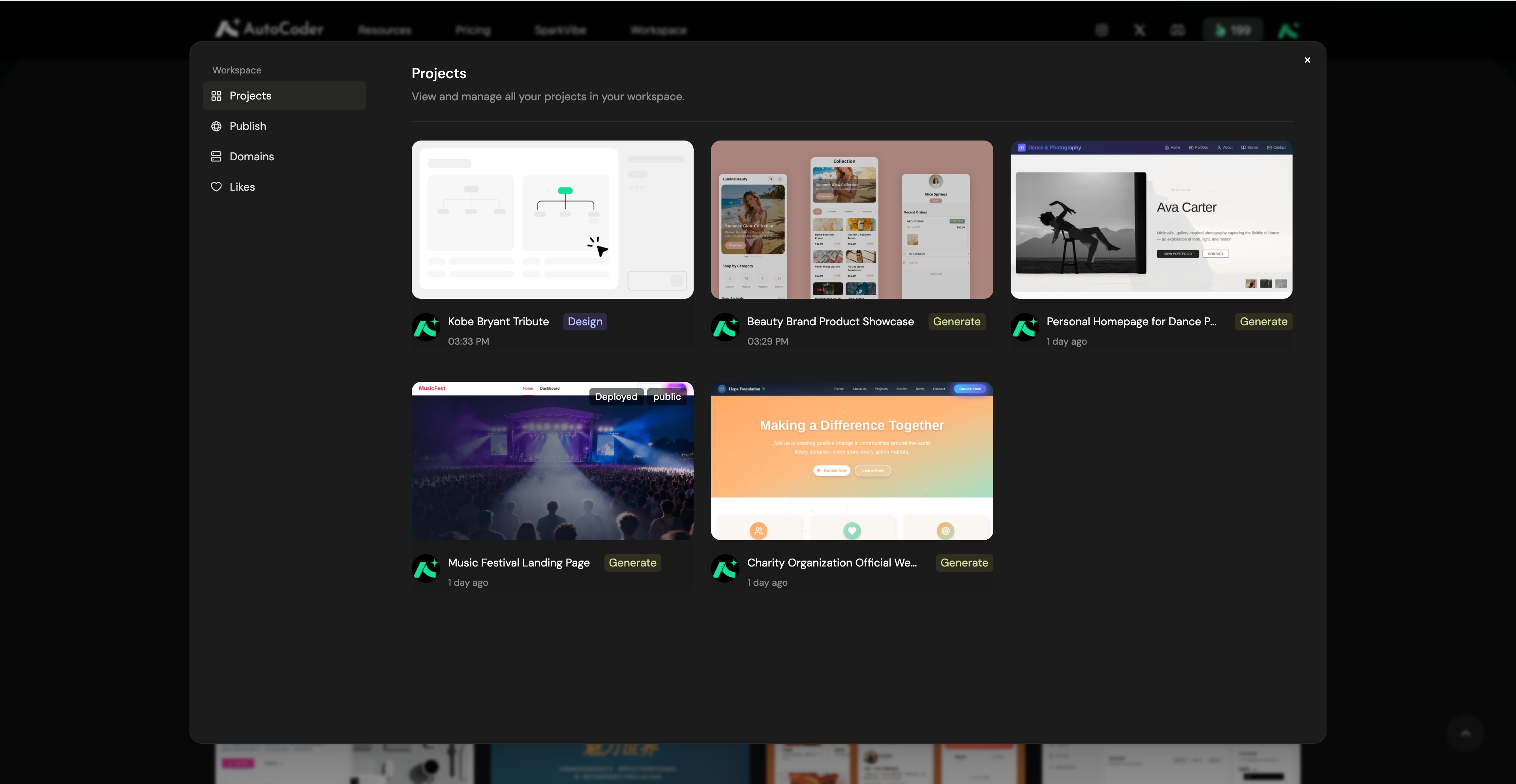
Publish
The Publish tab provides a comprehensive overview of all your live applications and their current health status.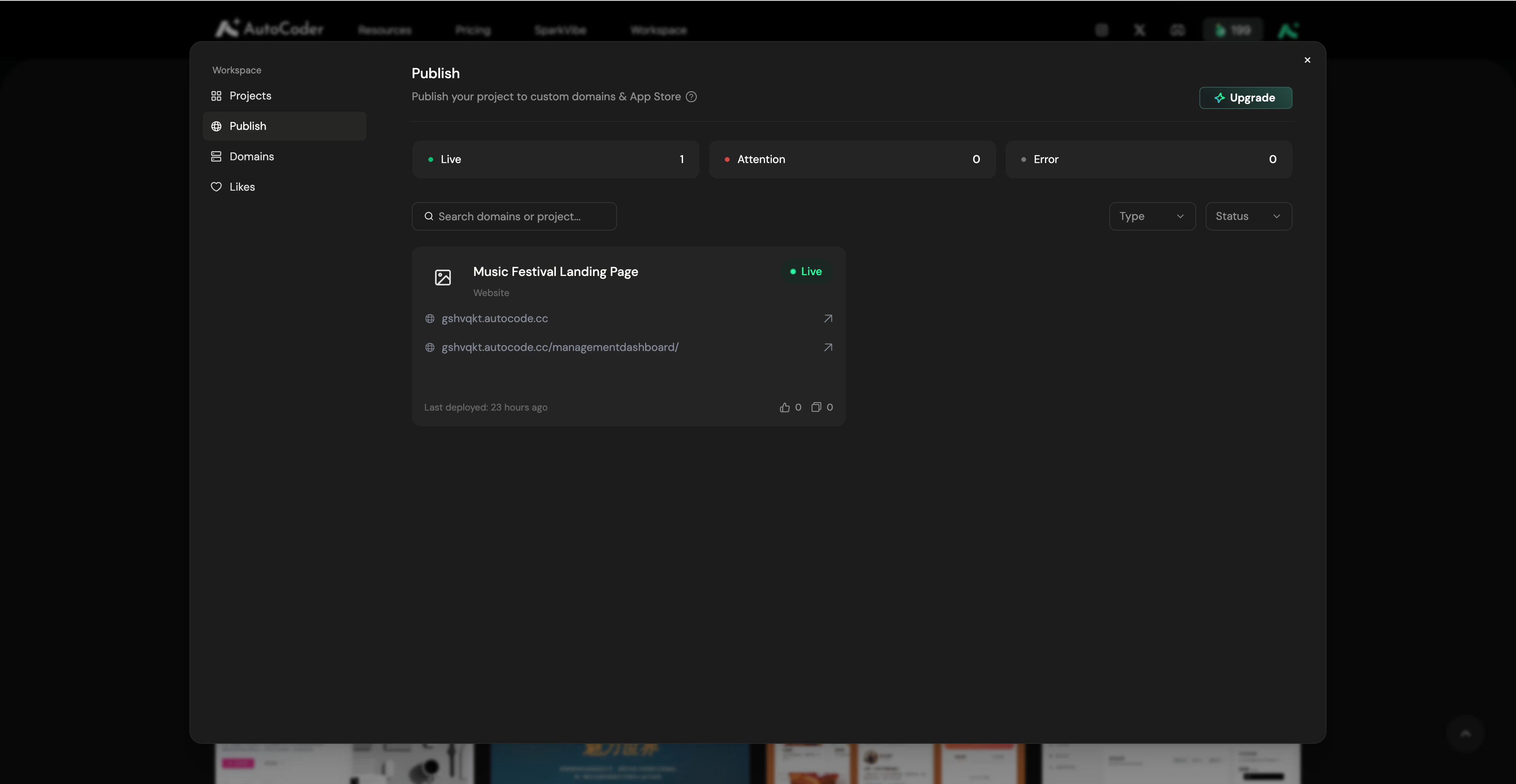
Website Publish
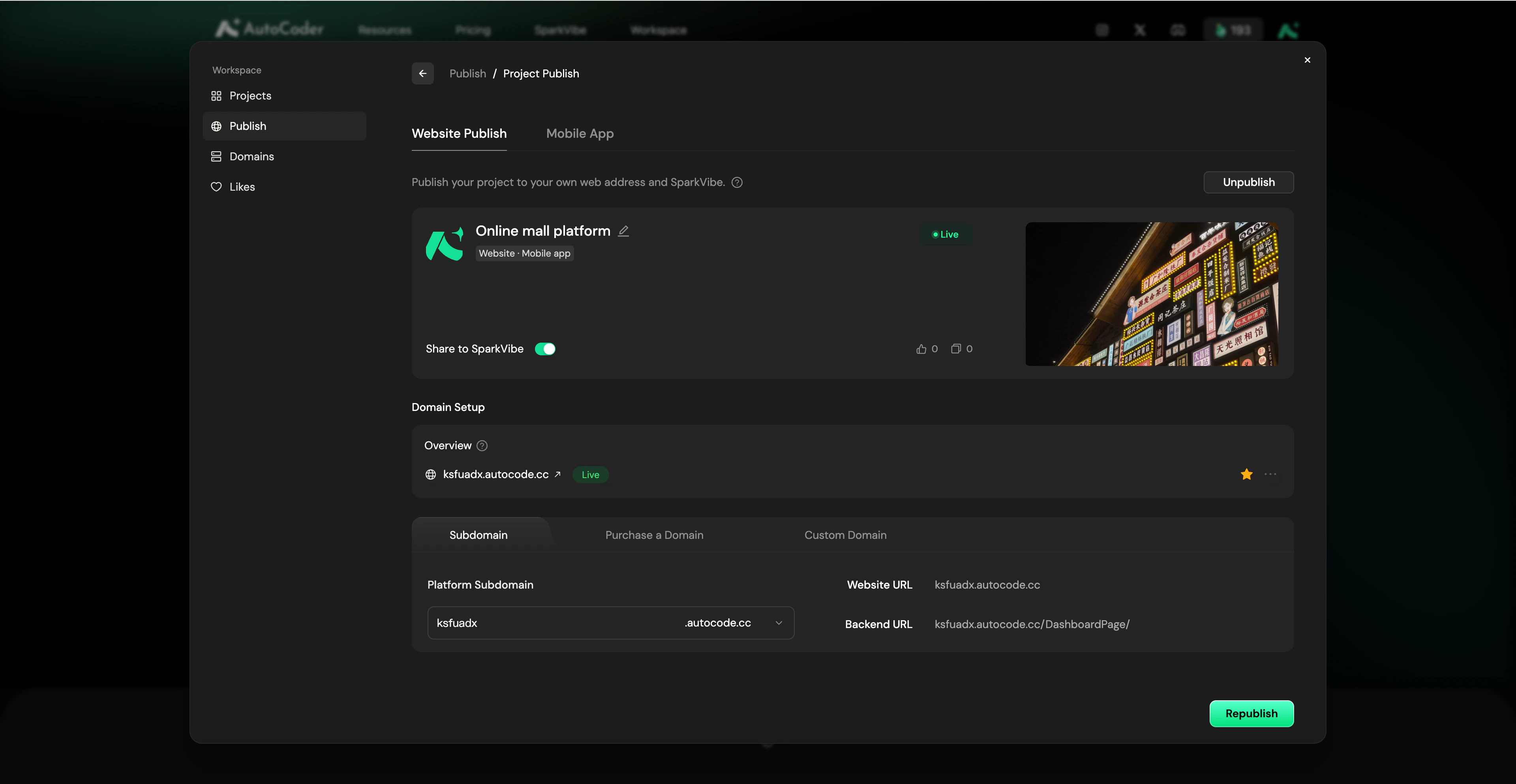
Publish your project to your own web address and SparkVibe. Project basic information- Project details: View your project name, cover image, and current deployment status (e.g., Live). You can click Unpublish in the top right to temporarily take the project offline.
- Share to SparkVibe: Toggle this switch to make your project publicly visible in the SparkVibe community, allowing others to view and remix your work.
- Domain Setup: Manage your access addresses. You can configure your free platform Subdomain, Purchase a Domain, or bind a Custom Domain.
- Access URLs: Quickly copy your generated frontend Website URL and the management Backend URL.
- Republish: Click this button to instantly push your latest code updates to the live website.
Mobile
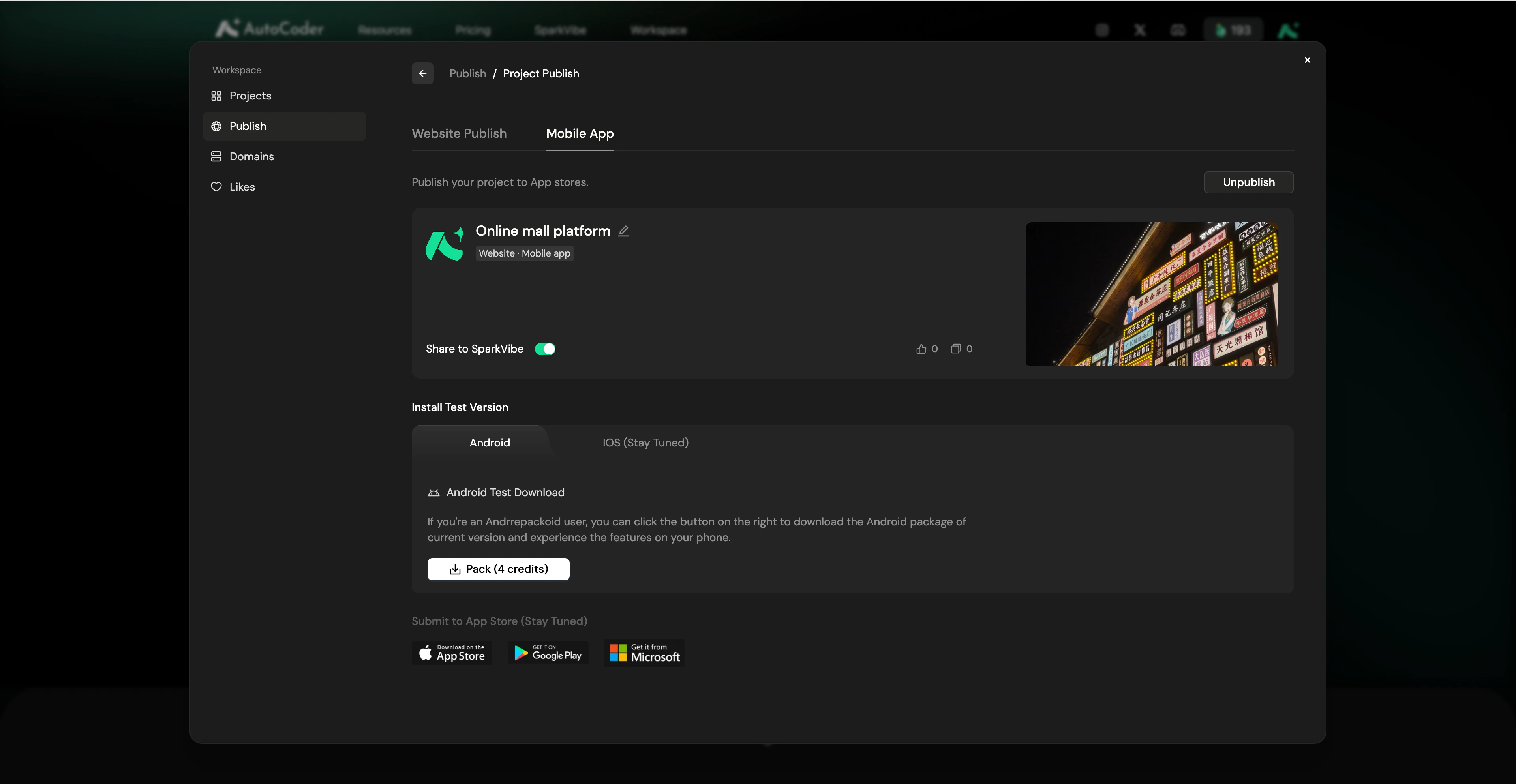
Publish your project to App stores. Project basic information- Project details: View your project name, cover image, and current status. Click Unpublish in the top right to temporarily take the project offline.
- Share to SparkVibe: Toggle this switch to make your project publicly visible in the SparkVibe community.
- Android Test Download: In the Android tab, click the Pack button (this consumes credits) to generate your installation package. Once packed, you can download the APK or scan the QR code to install and test the app directly on your phone.
- iOS & App Store: iOS test versions and direct native submissions to official app stores (Apple App Store, Google Play, Microsoft Store) are currently under development (Stay Tuned).
Domains
The Domains tab allows you to centrally monitor and manage all URLs bound to your projects.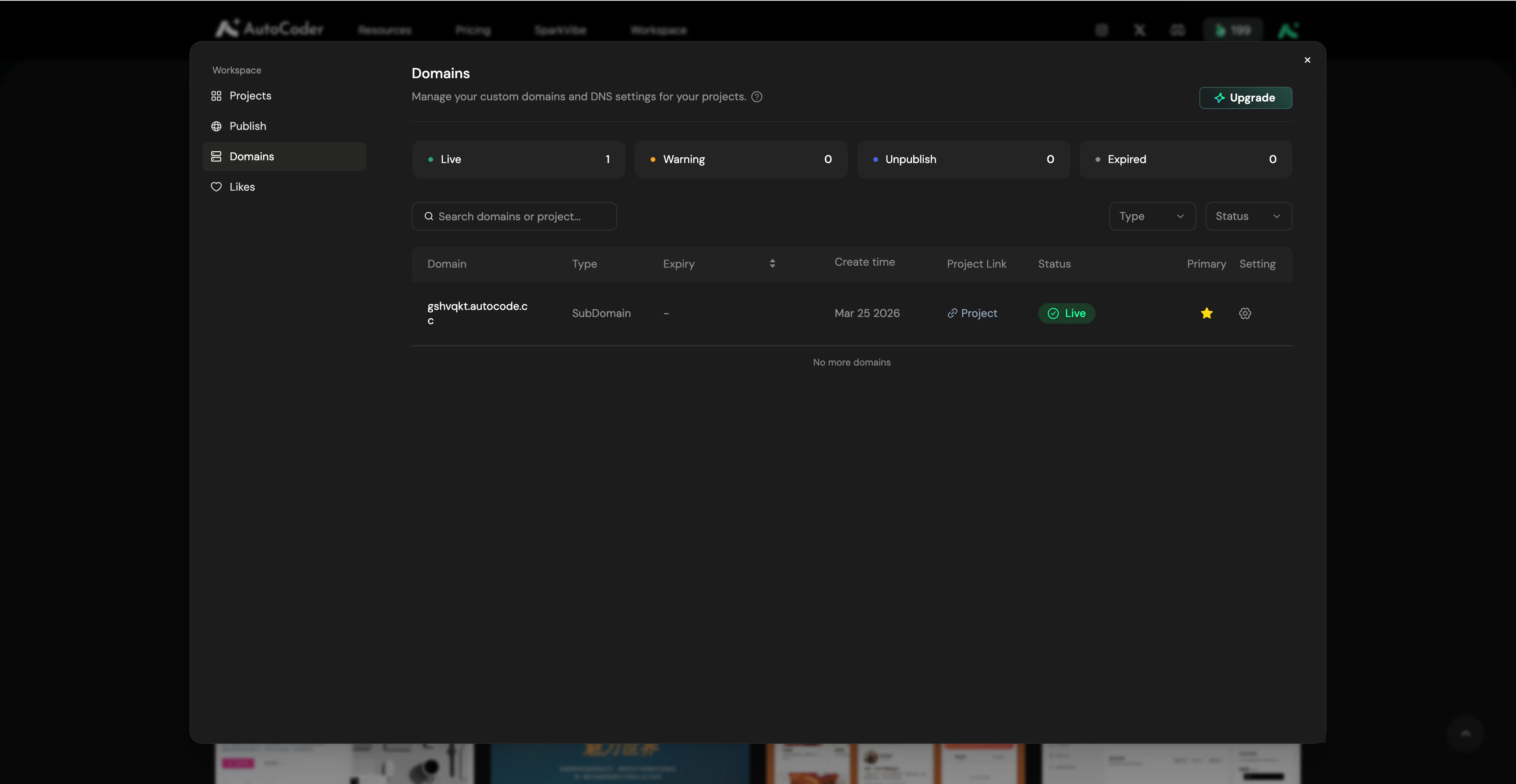
Domain Status
The top overview cards display the real-time health of your domains based on four categories:- 🟢 Live: The domain is active and functioning normally.
- 🟠 Warning: The domain or SSL certificate is expiring soon.
- 🔵 Unpublish: The domain is not bound to a project.
- ⚫️ Expired: The domain subscription or SSL certificate has expired.
Management & Primary Domain (Pro feature)
If you bind multiple domains to a single project, you can designate one as the Primary Domain in the Publish Project settings. All traffic from other alias domains will automatically redirect to your Primary Domain. Click the Setting (Gear) icon next to any domain to manage renewals, update SSL certificates, or unbind the domain from its current project.Likes
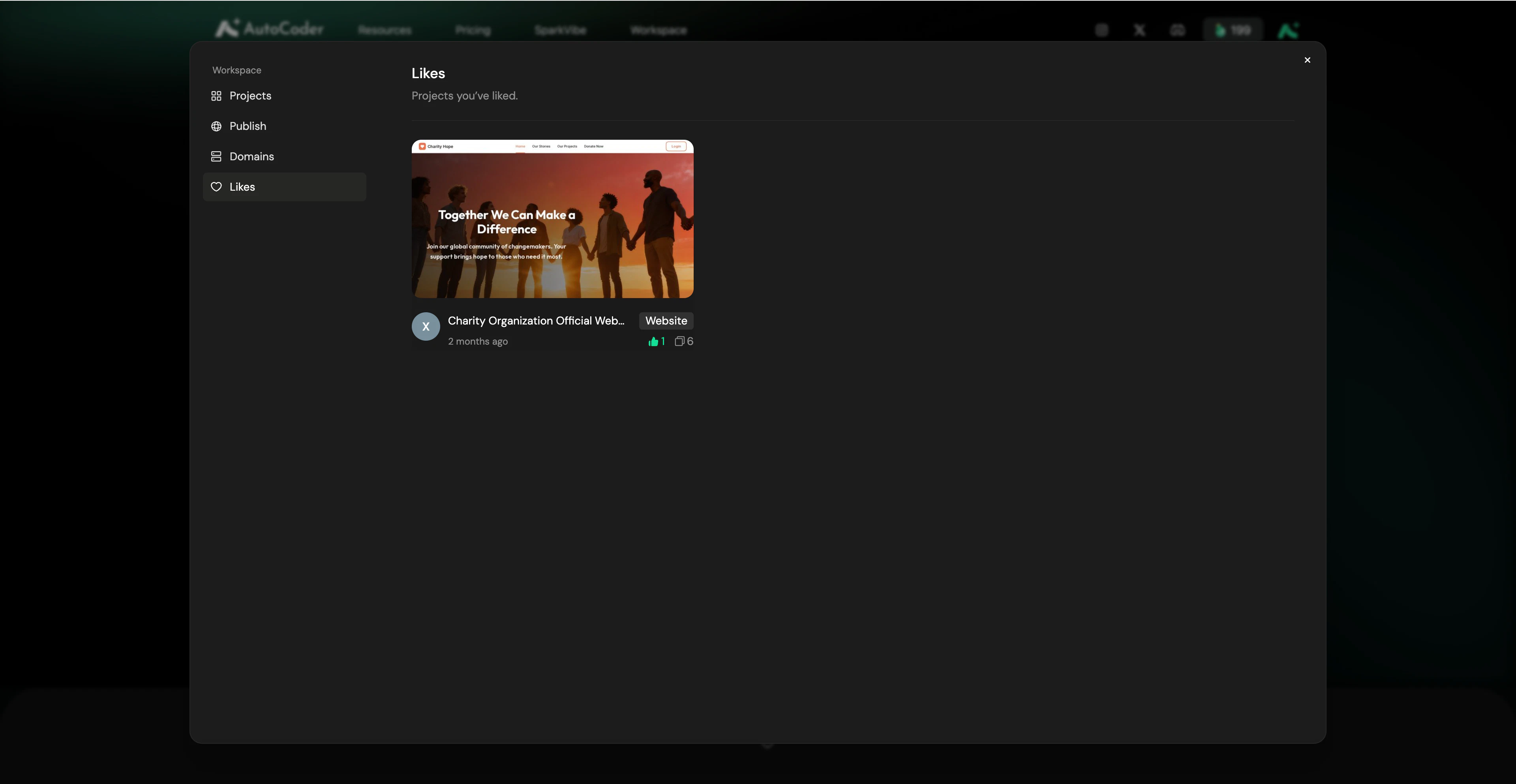
The Likes tab acts as your personal inspiration library. Any project you have liked in the SparkVibe community is automatically saved here.