

Preview
View projects created by other users and directly experience the demo using the Preview feature.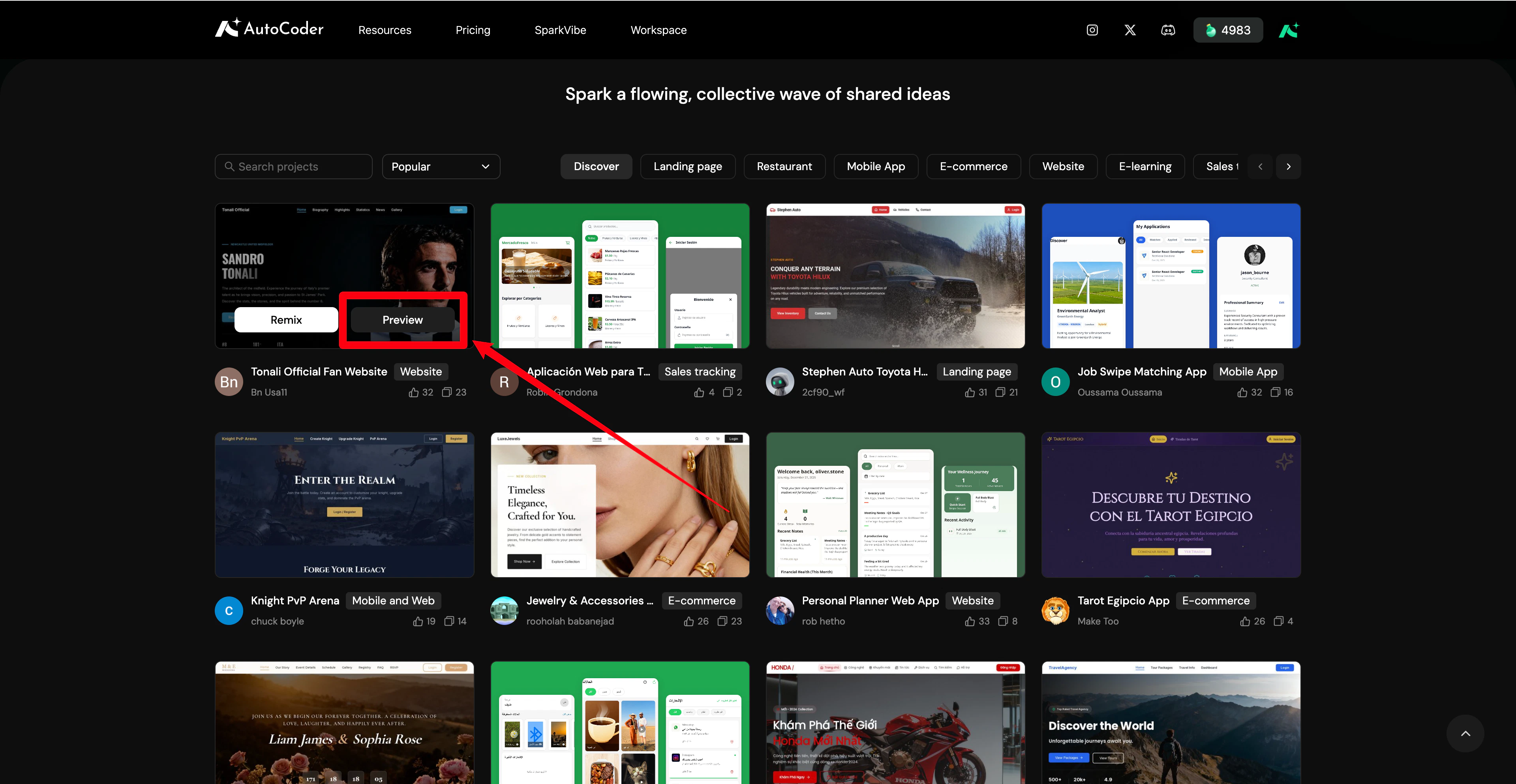
- View page effects.
- Switch between different pages.
- Understand the overall project structure.
Remix
If a project’s structure or design fits your needs, Remix it directly.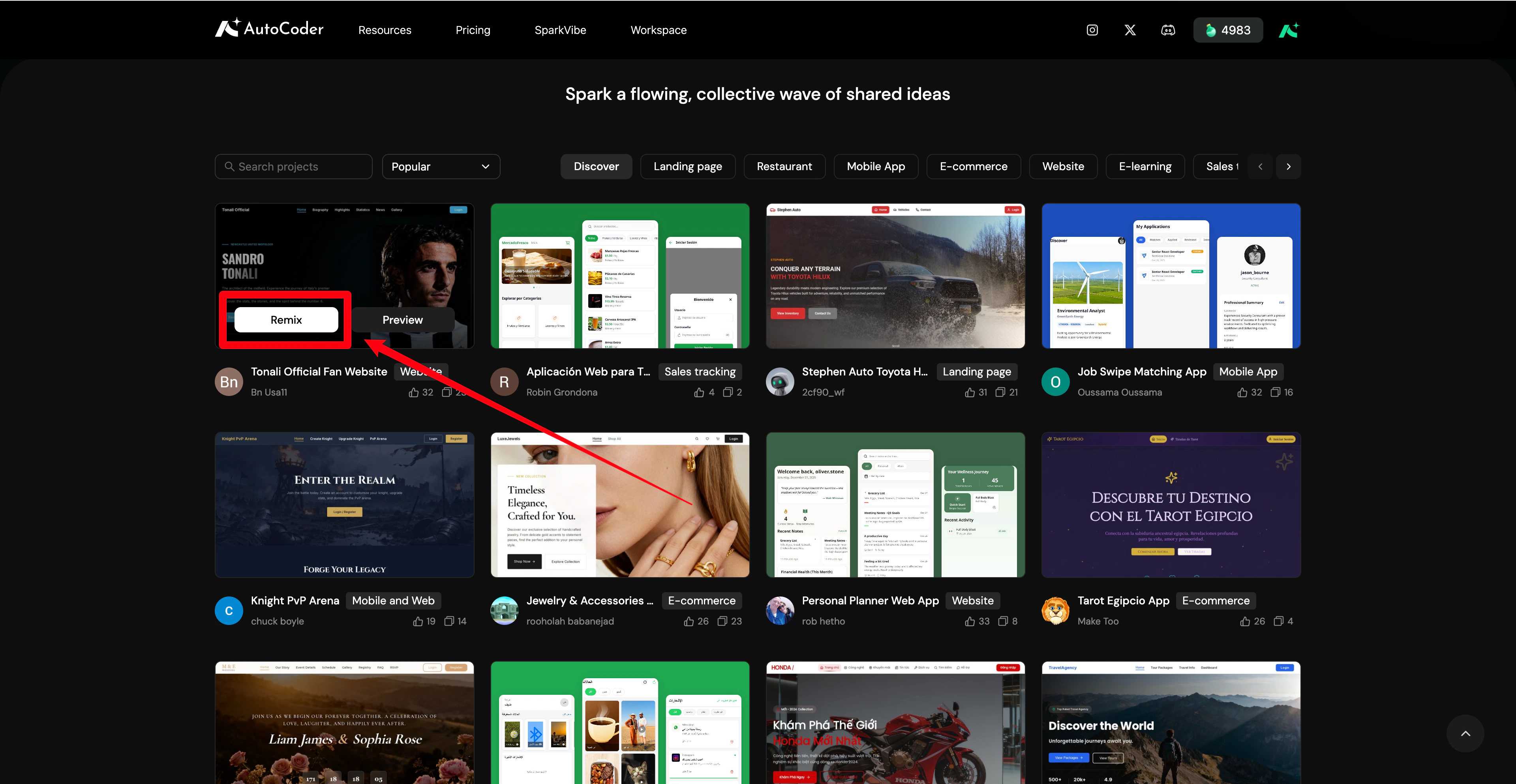
Like
Click Like to save projects that inspire you.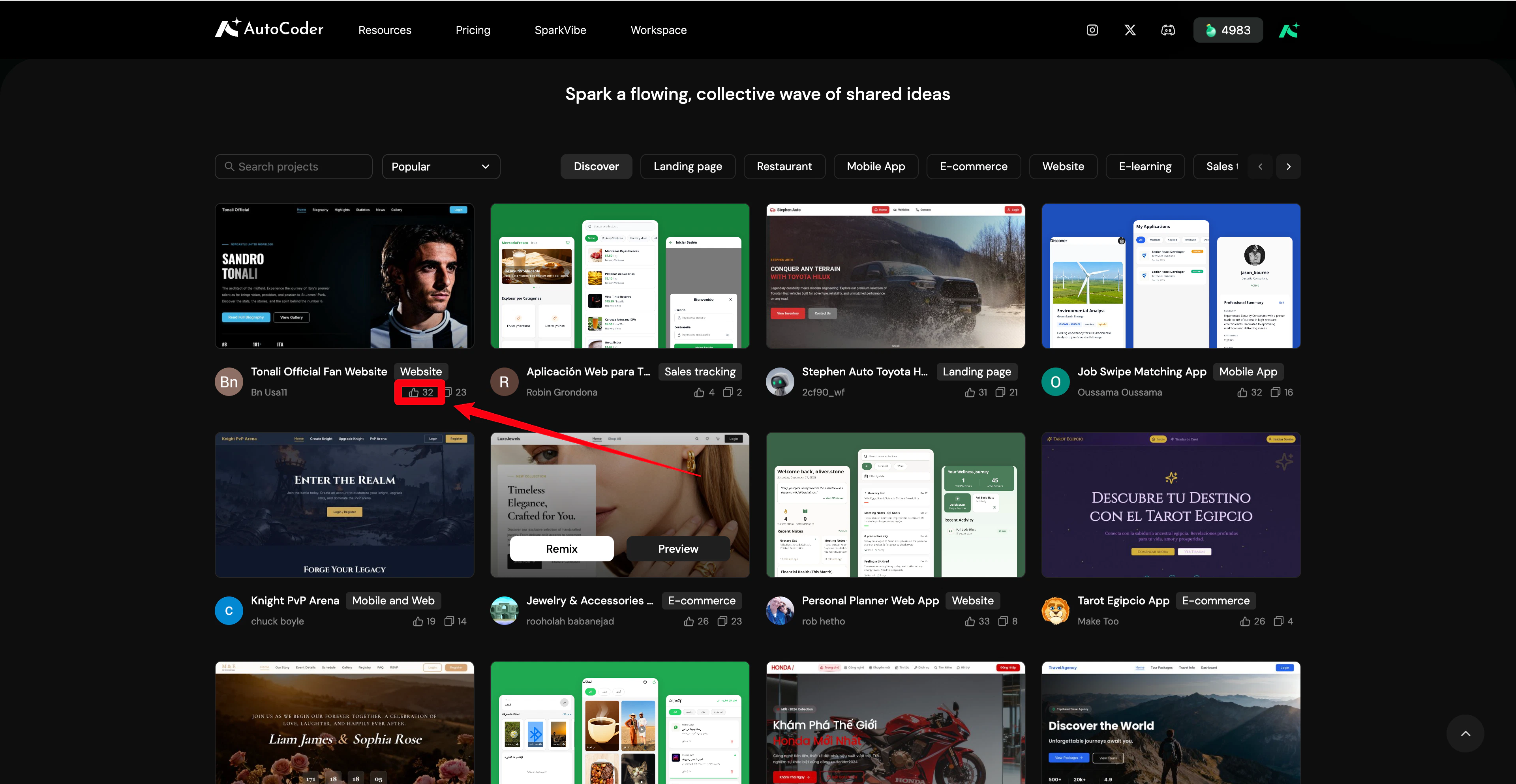
Search & sorting
To help you quickly find projects of interest, SparkVibe provides search and sorting features.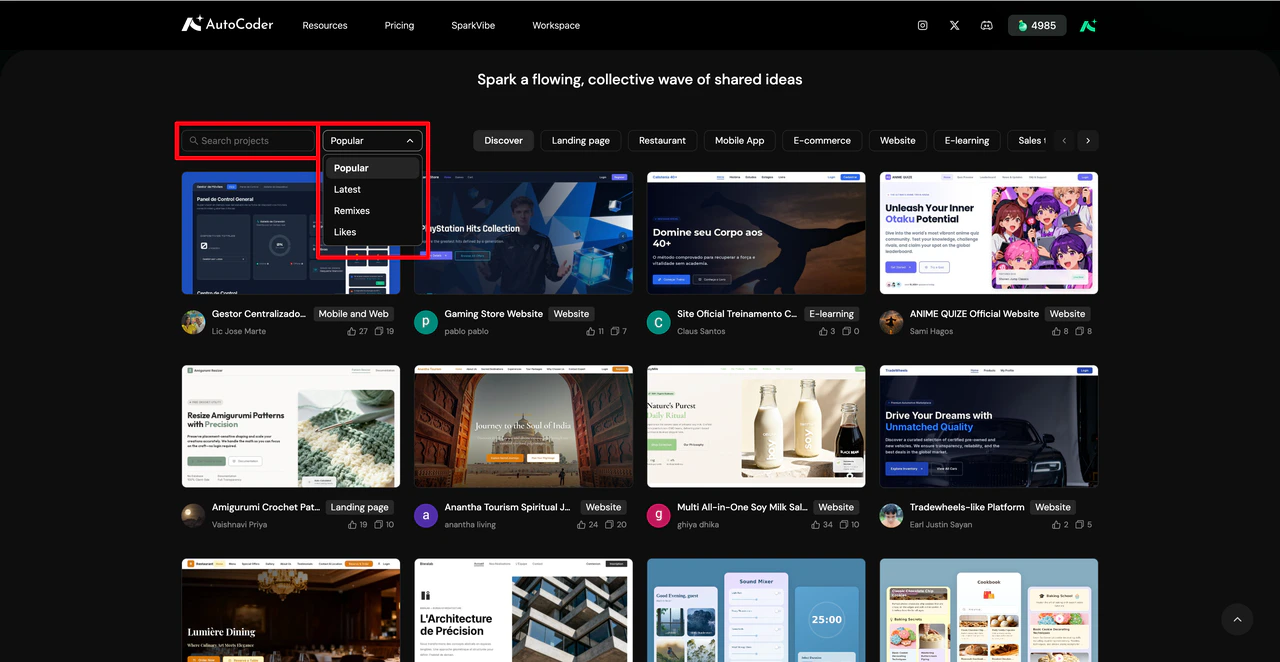
Sorting
Sort projects to quickly discover trending applications in the community:- Popular: Most popular projects.
- Latest: Most recently Published projects.
- Likes: Projects with the most likes.
- Remix: Most remixed projects.
Keyword search
Use the keyword search box to quickly find specific projects. Enter keywords related to project names, industries, page formats, or features to locate targets efficiently. Combine category tags and sorting methods to further narrow your search.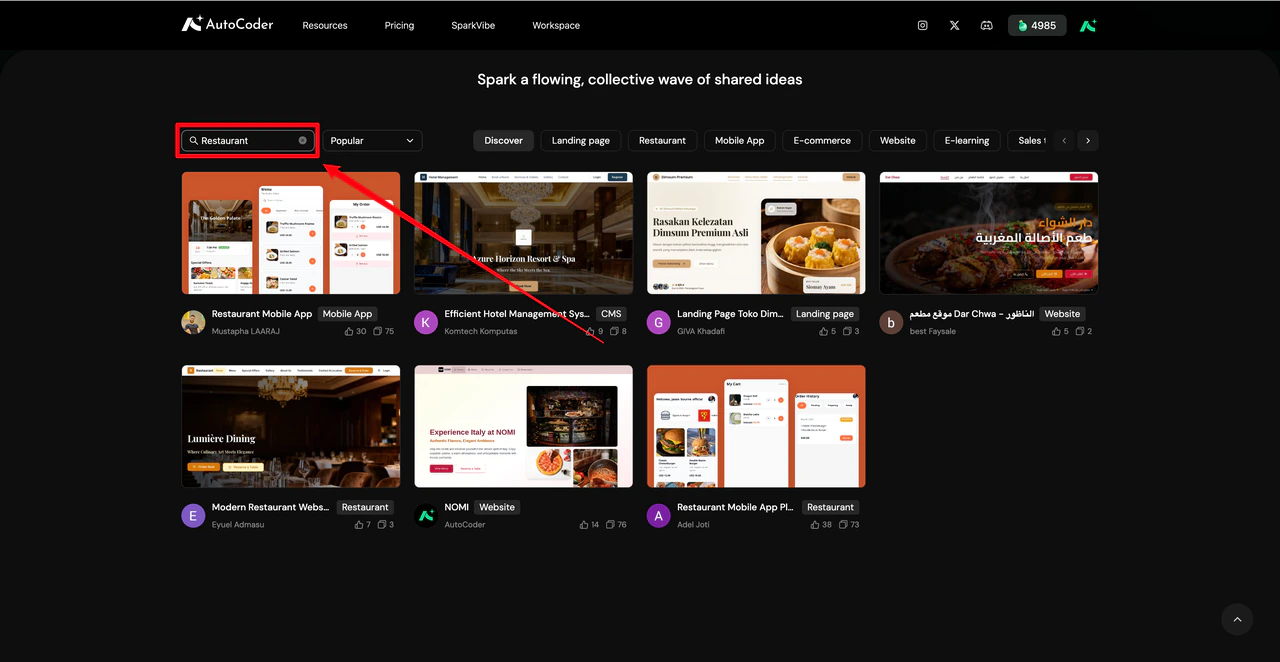
- Enter
Restaurantto find food and beverage projects. - Enter
Landing Pageto view landing page examples. - Enter
Mobile Appto find mobile application projects.